Browse
Canva
Overview
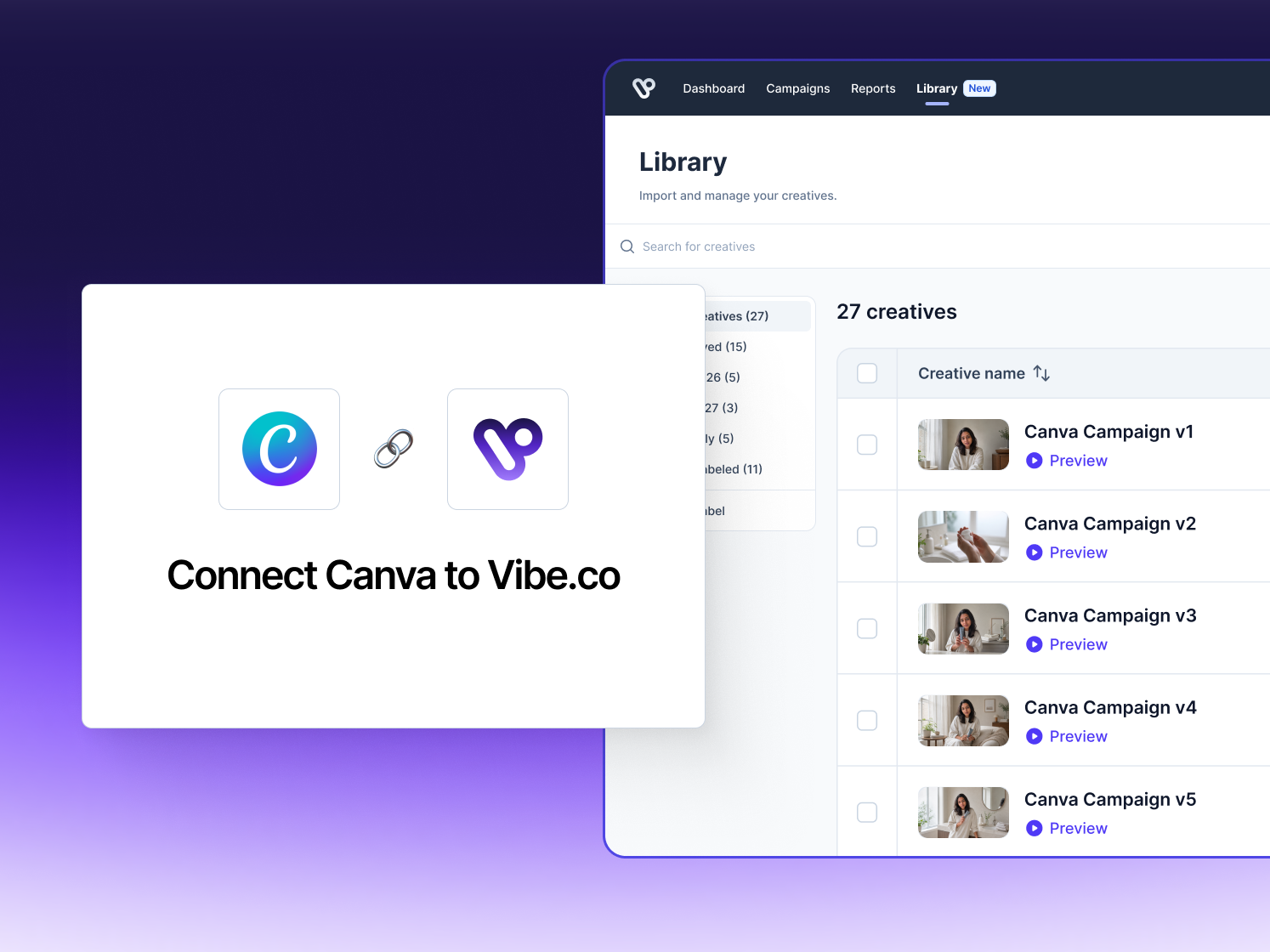
Connect Canva to Vibe and take video creative from design to campaign without leaving your workflow. Design a new video ad or resize an existing one in Canva, then publish it straight into your Vibe creative library in a single click without exporting, downloading, or re-uploading.
Vibe's creative specs (MP4, 16:9, 5–90 seconds, 1280×720 or higher) are checked inside Canva before you export, so every design comes in ready to run and never gets rejected for the wrong format or length. Creatives are automatically moderated on the way in, so they're campaign-ready as soon as they land.
Already have social creative? Reformat vertical assets into horizontal, TV-ready video in Canva and bring them into Vibe the same way.
How to use
- Connect your Vibe account. Authorize the Canva app once to link it to your Vibe advertiser account.
- Design or resize your ad in Canva. Build a new video ad, or reformat existing social creative to TV specs, using Canva's templates and editor.
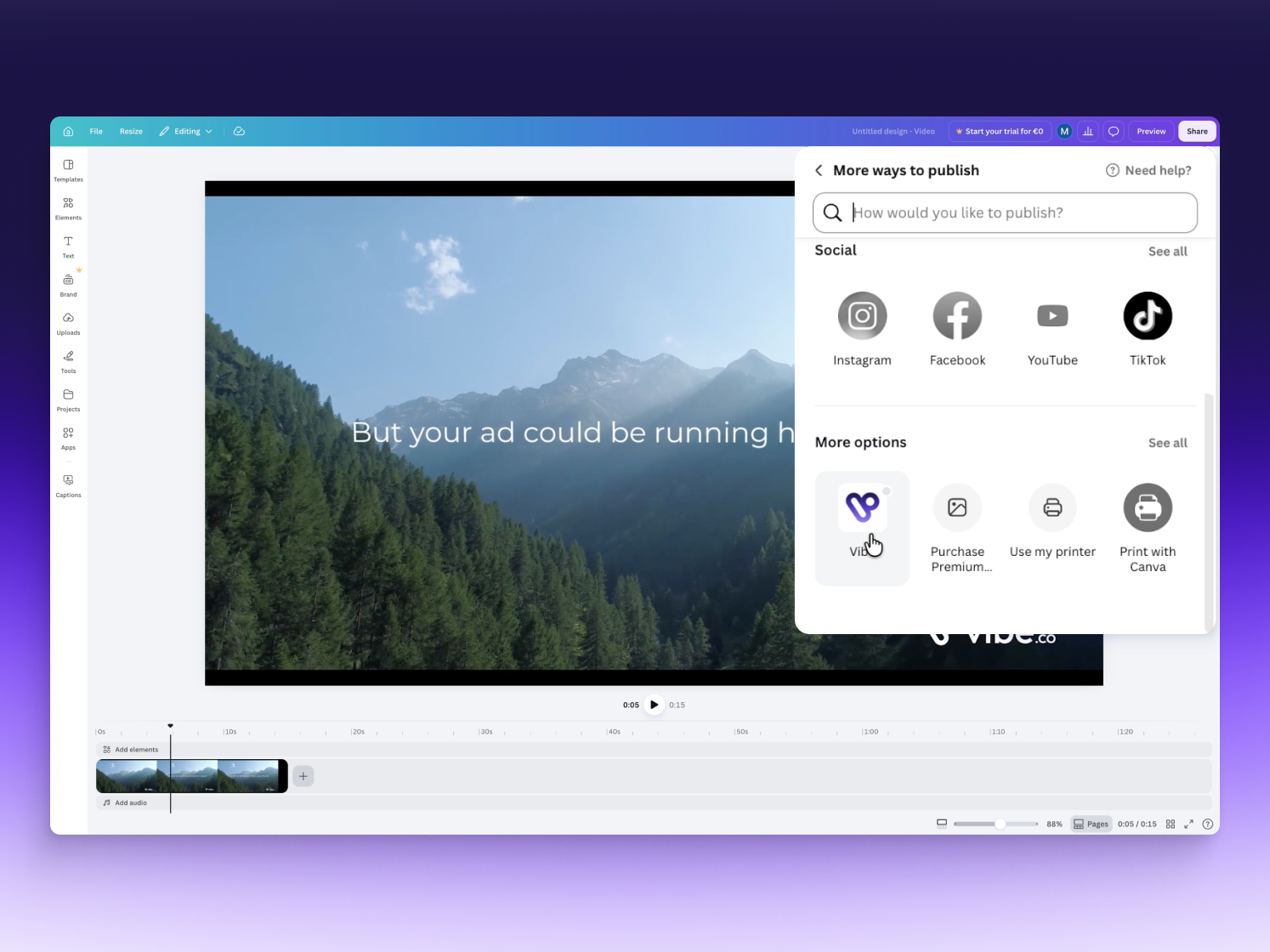
- Publish to Vibe. Open Canva's share menu and select "Publish to Vibe." Your design is checked against Vibe's creative specs before it exports.
- Find it in your creative library. The finished video lands in your Vibe creative library, automatically moderated and ready to attach to a campaign.